Creating Lists
There are many great lists available on the internet, free of charge. There are, however many reasons to create your own lists. For example, we might want to create lists of websites IP's that we frequent, our work's IP addresses, or particular gaming servers we use.
In PeerBlock, creating lists is really quite simple; the following steps will guide you through it.
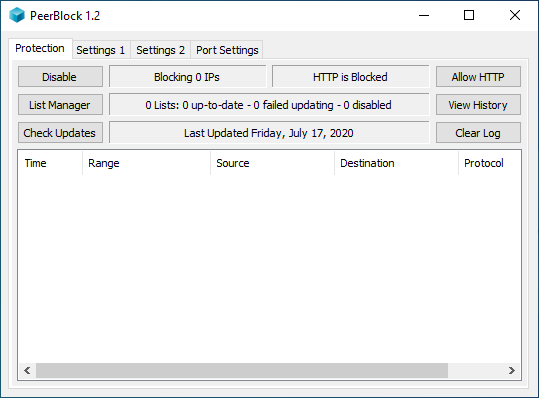
- In PeerBlock, click "List Manager", then click "Create List"

Click to see full size
Click to see full size - This window helps you set up your list. First, Enter a description to help you remember what the list is for. Click "browse" and find a place to create your list. Select the "Type" of list you are creating. Typically this will be "Allow". Select OK.

Click to see full size - This is where you enter the IP's you wish to include on your list. To add an IP range (or single IP) follow these steps:
- Click "Add"
- Enter a description of the IP range. THis shows up in the main "Log Window" and in "History".
- Enter the "Starting IP". This is the lowest IP in the range, or in the case of a single IP, the IP.
- Enter the "Ending IP". THis is the highest IP in the range. If the IP is a single IP, enter the same value as the "Starting IP" - do not leave this blank.

Click to see full size